Where the night comes alive.
Gather your crew. Share something wicked.
 BrentDaug
· v1.0.0b3
· updated 1h ago
DOWNLOADS AND MARKETPLACE
BrentDaug
· v1.0.0b3
· updated 1h ago
DOWNLOADS AND MARKETPLACE
Find the passage. Share the Word. Keep the conversation flowing.
Download the ZIP, then install it from Admin → Addons → Install / upgrade from ZIP.
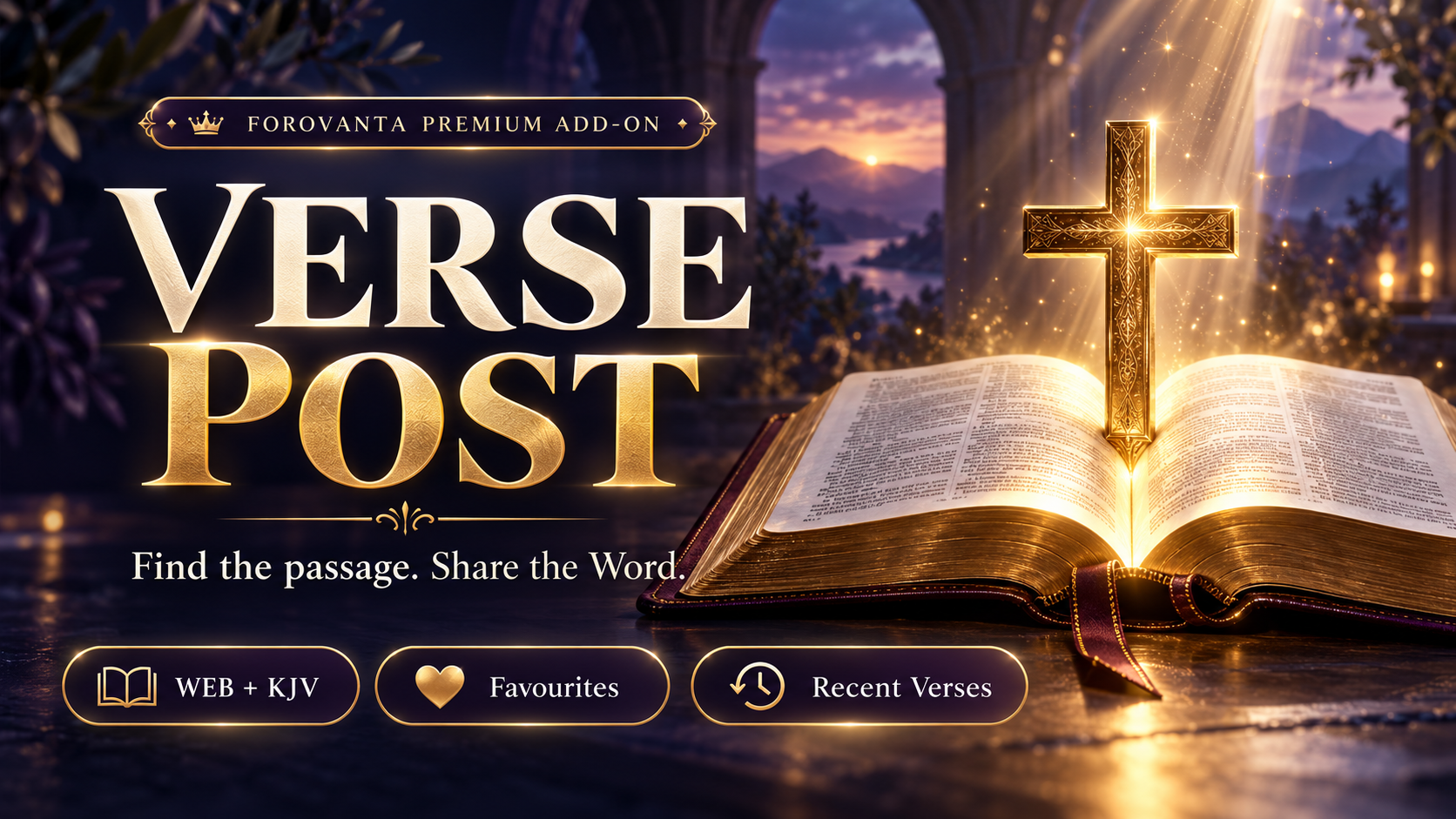
Verse Post brings a Bible picker directly into your Forovanta posting experience.
Click the Bible Verse button beneath the editor to browse scripture, jump to a reference and select a passage. Preview your selection, then attach it to your topic or reply without leaving the composer.
Includes the complete World English Bible (WEB) and King James Version (KJV), browser-local favourites and paginated recent selections. Scripture is bundled with the add-on—no external Bible API account required.
Bible Verse editor button: Open-Bible and standing-cross icon beneath supported topic, reply and post-edit composers.
Light/dark icon: Black in light mode and white in dark mode.
Two complete translations: WEB and KJV, each containing 66 books and 1,189 chapters.
Book and chapter navigation: Browse scripture with previous/next chapter controls.
Direct passage lookup: Jump to references such as John 3:16–18.
Multi-verse selections: Attach up to ten verses from the same chapter.
Passage preview: Review, replace or remove your selection before posting.
Favourites: Save frequently used references in your browser.
Paginated Recents: Keep your last 200 distinct inserted verses, displayed ten per page.
Featured passages: Browse a curated selection of scripture.
Responsive picker: Two-column desktop layout and a single-column narrow-screen layout.
Existing text preserved: Add scripture alongside your own message.
Local Bible data: No third-party Bible requests or runtime tracking calls.
Persistent posted scripture: Published verses remain in the post body if the add-on is disabled.
Premium licensing: Uses Forovanta’s native commercial entitlement controls.
Please read these before joining the conversation.
Be respectful and helpful.
No spam, harassment, or unsolicited promotion.
Saved on this device only.
Type at least two characters to search the community.